 Documentation
WPSyncSheets For WooCommerce – FAQ
WPSyncSheets for WooCommerce
Can I sync existing WooCommerce orders to Google Spreadsheet?
Yes. To sync orders that existed before the plugin was set up:
- Go to WPSyncSheets → Order Settings.
- Click “Click to Sync” — or use the date-range filter to sync a specific period only.
New orders will then be added to the sheet automatically without any manual action.
Seeing “You are all set! There are no new orders to export”? This means the plugin has already marked all orders as synced. Click “Clear Spreadsheet” first, then “Sync” to rebuild the sheet from scratch.
What should I do if I see “This app isn’t verified”?
What should I do if I get a redirect_uri_mismatch or Error 400 when generating the token?
The plugin caused a fatal error / critical error / white screen when I activated it.
What should I do if the Google Sheets API limit is reached?
What should I do if I see a 403 Error?
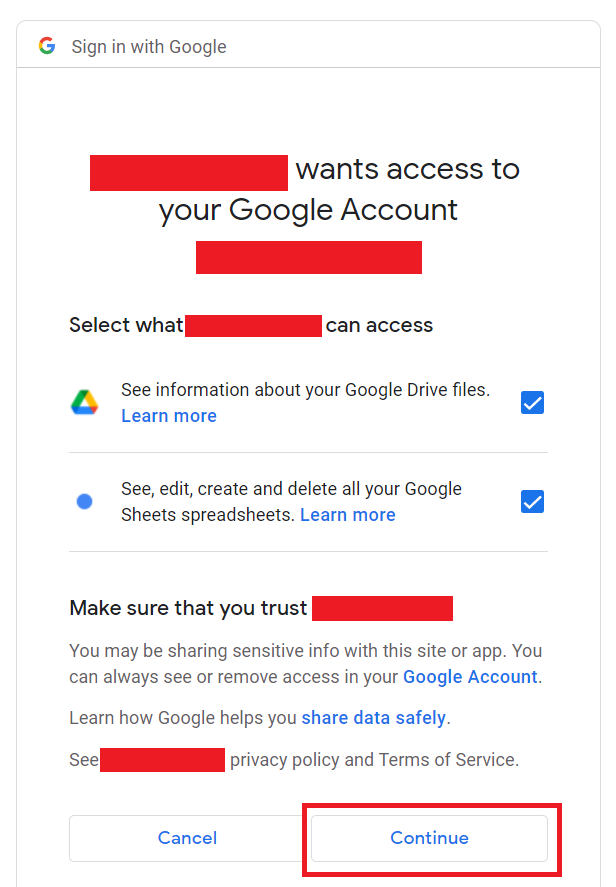
Fatal error mentioning GuzzleHttp after installing another plugin.
Error: “The site is experiencing technical difficulties.”
Error: “Please make sure you have removed the Product Id from the 1st column of the spreadsheet.”
Orders or products are not syncing to the sheet.
Why are there duplicate rows in the sheet for the same order or product?
Newly synced rows are inheriting bold/colour formatting from the header row.
The sheet row shows ‘=HYPERLINK(…) with a leading apostrophe instead of a clickable link.
Auto-sync / scheduled sync is not running automatically.
Can I reorder or add/remove columns in the Google Sheet?
How can I change the date format in the spreadsheet?
How do I fix float/decimal value formatting issues?
“Range exceeds grid limits. Max rows: 2301, max columns: 45”
How do I add custom fields to the sheet?
Variations are being created as separate products instead of being grouped under the parent.