 Documentation
WPSyncSheets For Gravity Forms -FAQ
1. What should I do, error: The site is experiencing technical difficulties. Please check your site admin email inbox for instructions?
There are following ways to resolved this error:
- Revoke token at Google API Settings Page.
- Check the Google Drive API must be Enable.
2. What should I do, Google Sheets API limit reached?
Please visit link Click Here.
3. Can I reorder/add/edit the sheets header columns in Google Spreadsheets?
No, We can’t reorder/add/edit the sheet header columns because it will be miss match the Entry data
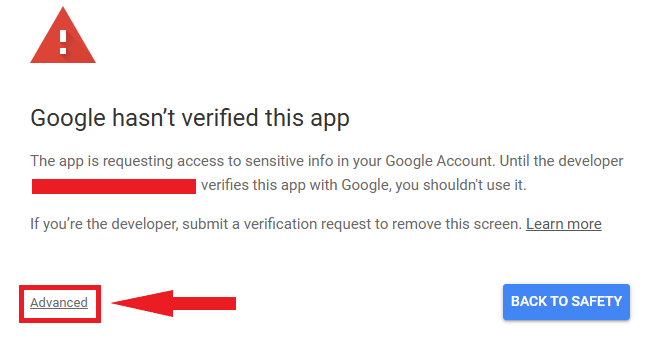
4. What If I See a Screen Saying “This app isn’t verified”?
Google might display a screen that says “This app isn’t verified. This app hasn’t been verified by Google yet. Only proceed if you know and trust the developer.” There’s no need to worry, though — the message is only referring to the app that you just created in your own Google account (so you are actually the developer in this case).
To bypass this message, you’ll need click Advanced and then Proceed.
5. What should I do if I see a 403 Error?
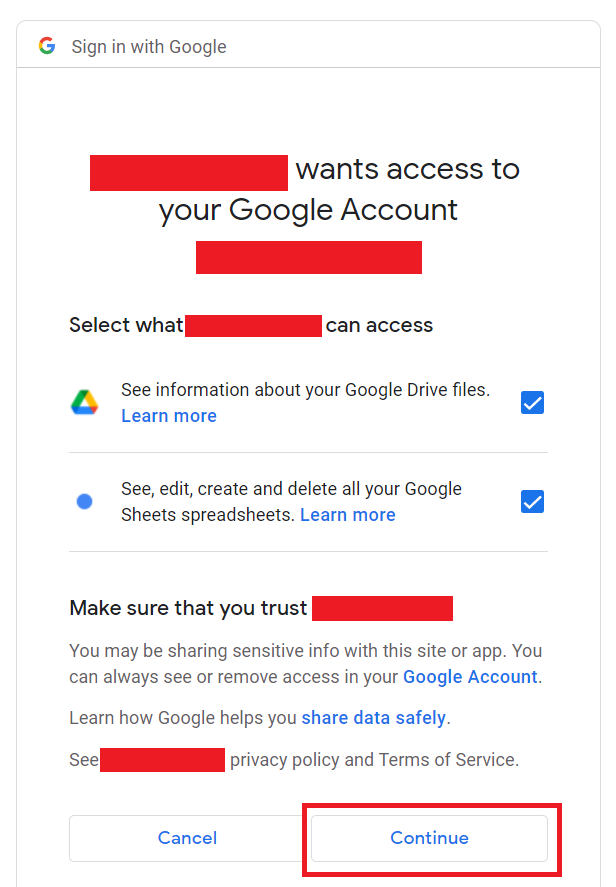
- Make sure you have allowed all the checkboxes when generating the authentication code.
- Make sure you publish the app.
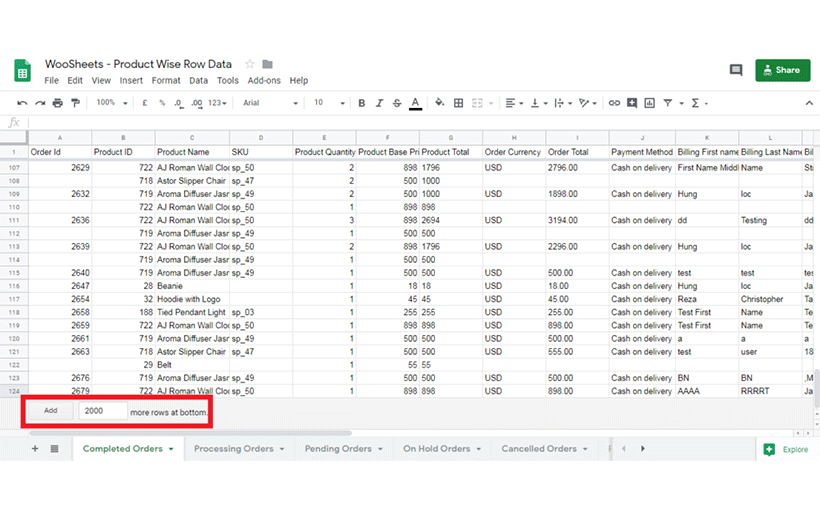
6. Range (‘Completed Orders’!A2302) exceeds grid limits. Max rows: 2301, max columns: 45» ?
Please add 2000 more rows to your sheets. Please check with the below screenshot.
7. I get an error when updating a form or when syncing data with the sheet. Why?
This usually happens when your Google Sheet does not contain any header row.
To fix this:
- Go to your Header Settings inside the plugin.
- Make a small change and save the settings again.
This will automatically regenerate the required headers and the sync/update process will work correctly.
8. The sheet headers are not updating even after saving the settings. What should I do?
If the header row still doesn’t update:
- Go to Header Settings.
- Add or remove a header field (any small change).
- Save the settings again.
This forces the plugin to rebuild and refresh the header row in the sheet.
9. Can I clear my spreadsheet manually?
It is not recommended to clear the sheet manually.
Please use the Clear Spreadsheet button provided in the plugin.
If you absolutely must clear the sheet manually, make sure to keep the header row intact. The plugin depends on the header row for mapping and syncing.
10. When saving settings, I get a “range exceeds” or similar error.
This error occurs when your sheet doesn’t have enough columns.
Solution:
Add a few blank columns to the right of your last column, then try saving the settings again. The error will be resolved once the sheet has enough column space.